Quick-commerce coupons in India depend on where and how you order. The same app can show a different catalogue, delivery fee and promotion after the address, nearby fulfilment store or customer account changes. That does not automatically mean a coupon is broken; it may mean the order no longer matches the offer’s operating conditions.
Why a quick-commerce coupon can change within one city
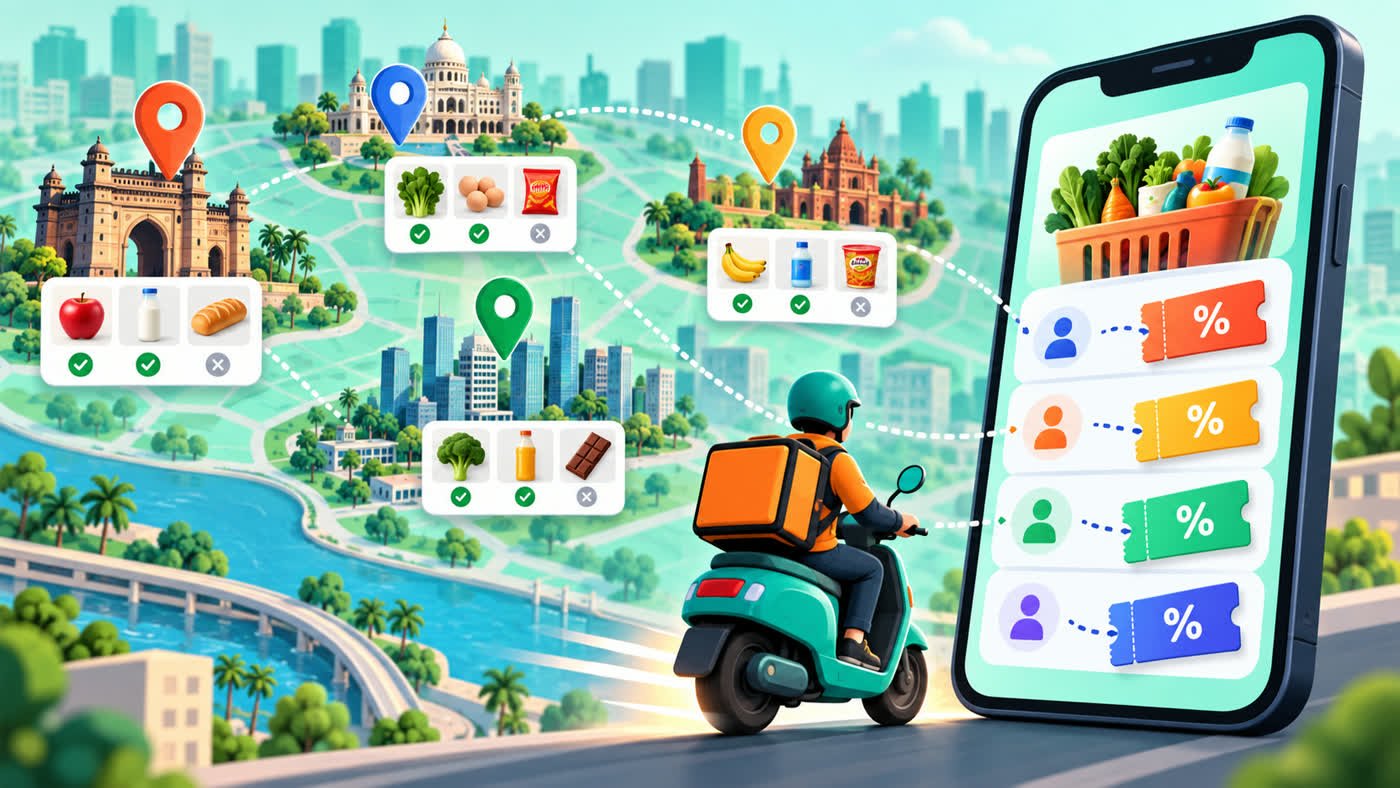
A service may operate in a city without serving every postcode. Even within one neighbourhood, different addresses can be assigned to different dark stores or fulfilment locations. Those locations can carry different inventory and participate in different promotions. Set the exact delivery address before comparing an offer.
Why two accounts may see different offers
Platforms may distinguish between new and existing customers, selected users, lapsed users or members. Eligibility can also depend on previous redemptions, phone number, device or campaign source. A screenshot from another account is useful context, but it is not proof that your account qualifies.
Cart value is not always the eligible value
A minimum spend often refers to the eligible merchandise subtotal. Delivery charges, handling fees, taxes, tips, gift cards or excluded products may not count. An unavailable item or substitute can also push the eligible subtotal below the requirement after the code appeared to apply.
Inventory, time and demand
Fast-delivery catalogues update frequently. A promoted product may sell out, change pack size or move to another fulfilment location. Delivery benefits may also respond to distance, demand and slot capacity. Review the cart again immediately before payment.
A reliable quick-commerce checkout routine
- Set the final delivery address.
- Build the basket with products you actually need.
- Open the offer terms and identify account, product and minimum-value conditions.
- Check which fees sit outside the eligible subtotal.
- Select the required payment method and review the refreshed total.
- Confirm replacement preferences and keep the order summary.
Compare the delivered cost, not the headline
A discount can be offset by small-cart, handling or delivery fees. Compare the final amount and unit prices instead of adding unnecessary products merely to cross a threshold. Browse the Grocery & Quick Commerce category, or review the Blinkit and BigBasket guides.
Promotion availability changes. The retailer’s checkout and published terms are the final authority. See our Affiliate Disclosure and Corrections & Updates Policy.