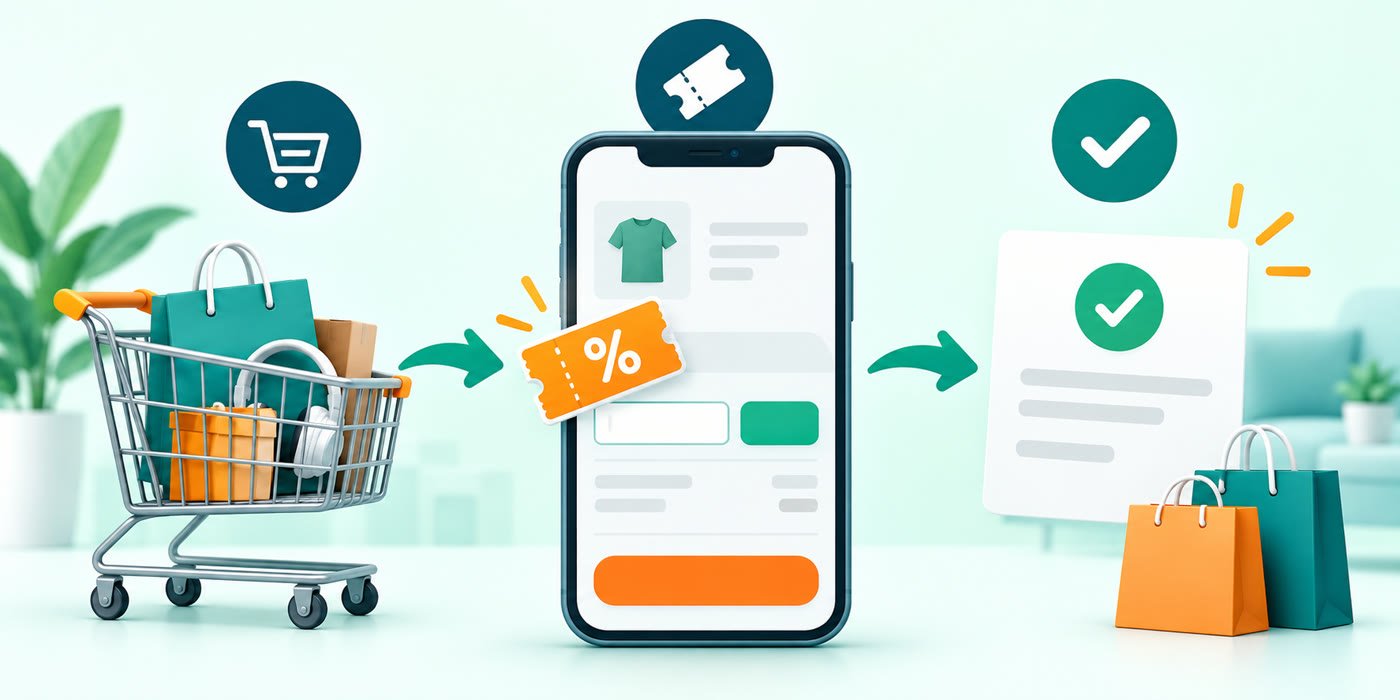
A coupon code is a short set of letters, numbers or both that you enter during checkout to request a particular promotion. Using one is usually simple, but the discount only applies when your account, cart, device and payment method meet the offer’s conditions. The safest approach is to check the terms first and confirm the final payable amount before placing the order.
How to apply a coupon code online
1. Build your cart before choosing a code
Add the items and quantities you actually intend to buy. A code may require a minimum cart value, apply only to selected products, or exclude delivery charges, gift cards and marketplace sellers. Checking the cart first makes it easier to judge whether an offer is relevant instead of adding unnecessary items just to unlock a discount.
2. Read the eligibility conditions
Before copying a code, check who can use it and where it works. Common conditions include:
- a minimum order value;
- new-user or first-order eligibility;
- selected products, brands, sellers or categories;
- app-only or website-only checkout;
- a specified payment method;
- a city, delivery area or account restriction;
- a limit on how many times the offer can be used.
Our coupon verification policy explains how Mega Sale Coupon describes offer status and why the retailer’s checkout terms remain the final authority.
3. Find the coupon or promo-code field
Retailers normally place this field on the cart, order-summary, payment or final checkout screen. It may be labelled “Coupon”, “Promo code”, “Discount code”, “Apply offer” or something similar. On mobile apps, the field may sit inside an “Offers” panel rather than appearing as an open text box.
Do not confuse the coupon field with a gift-card, voucher-balance or referral-code field. Those may follow different rules.
4. Copy the code carefully
Copying is usually safer than typing because it reduces mistakes involving similar characters. If you enter a code manually, match every letter, number and symbol. Avoid adding a space before or after the code. Capitalisation often does not matter, but it is best to reproduce the code exactly as shown.
5. Apply the code and read the response
Select the Apply button and wait for the order summary to refresh. A valid code may reduce an item price, the eligible subtotal or another clearly identified part of the order. Some retailers instead display a message explaining why the code is unavailable for the current cart.
6. Check the final payable amount
A success message alone is not enough. Review the item prices, delivery or platform fees, taxes, payment charges, cashback terms and total payable amount. An offer can be applied while the final saving is smaller than expected because some parts of the order are excluded.
If you also select a bank or wallet promotion, check the total again after choosing the payment method. Our guide to combining coupon codes with bank offers explains why some promotions stack and others do not.
7. Keep the terms until the order is complete
Take note of whether the benefit is an immediate discount or a later cashback. If the offer depends on keeping all eligible items, changing or returning part of the order may affect the benefit. Save the order summary or confirmation when that information may be useful later.
What to do when a code does not apply
First, recheck the code for typing errors and confirm that it has not expired. Then compare the cart with the minimum order, product, seller, account, device, location and payment conditions. Remove any incompatible promotion and try again only if the terms allow it.
A code that worked for another person may still be unavailable to you because eligibility can be account-specific. Do not create duplicate accounts or misrepresent your eligibility. For a complete troubleshooting sequence, read why coupon codes do not work.
Using a code in the US, Europe or Asia
Use the code on the regional storefront named in the promotion. A US code is not automatically valid on a UK, EU or Asian store operated by the same brand. Before building your cart, check the country selector, delivery destination and displayed currency. Changing only the currency does not establish eligibility.
Read the expiry time in the retailer’s stated time zone. See our coupon expiry and time-zone guide. If you are ordering across borders, check the delivery charge, any import charges stated by the seller and the cost of returning the order. The FTC online shopping guide recommends comparing the total cost, including fees.
Worked example: a bigger coupon can cost more
This is an illustrative example, not a live offer. Suppose the same eligible basket costs $80 before tax. One checkout lets you use either a 10% discount or free delivery, but not both.
| Option | Items after discount | Delivery | Total |
|---|---|---|---|
| 10% coupon | $72 | $12 | $84 |
| Free delivery | $80 | $0 | $80 |
Free delivery costs $4 less in this example. Recheck your actual checkout total after taxes and fees. Do not count pending cashback as an immediate price reduction; our cashback and coupon stacking guide explains the distinction.
Common checkout questions
Can I use a code from another country?
Only if the promotion’s terms allow your storefront and delivery country. A matching brand name does not make a code worldwide.
Does “code applied” mean I saved money?
Check the discount line and final total. Excluded products, a discount cap or changed delivery fees can reduce the benefit.
Should I add an item to reach a minimum spend?
Compare the extra item’s cost with the extra saving. If you would spend $15 to unlock a $10 discount, your outlay increases by $5 before any other changes. Read how to read coupon terms before adjusting the basket.
A practical checkout checklist
- Is the code copied exactly?
- Is the promotion still within its stated validity period?
- Does the eligible subtotal meet the minimum?
- Is every product, seller and category eligible?
- Is the offer limited to new users, selected users, the app or the website?
- Does it require a particular card, bank, wallet or payment option?
- Did another promotion replace or conflict with it?
- Does the final order total show the expected benefit?
Where to continue
You can browse store guides for merchant-specific explanations or explore the online marketplaces category. Store pages on Mega Sale Coupon explain common promotion mechanics without inventing live codes.
Mega Sale Coupon may earn a commission when you buy through an affiliate link. Read our affiliate disclosure. Found an error or a changed condition? Please use our contact page or review the corrections policy.