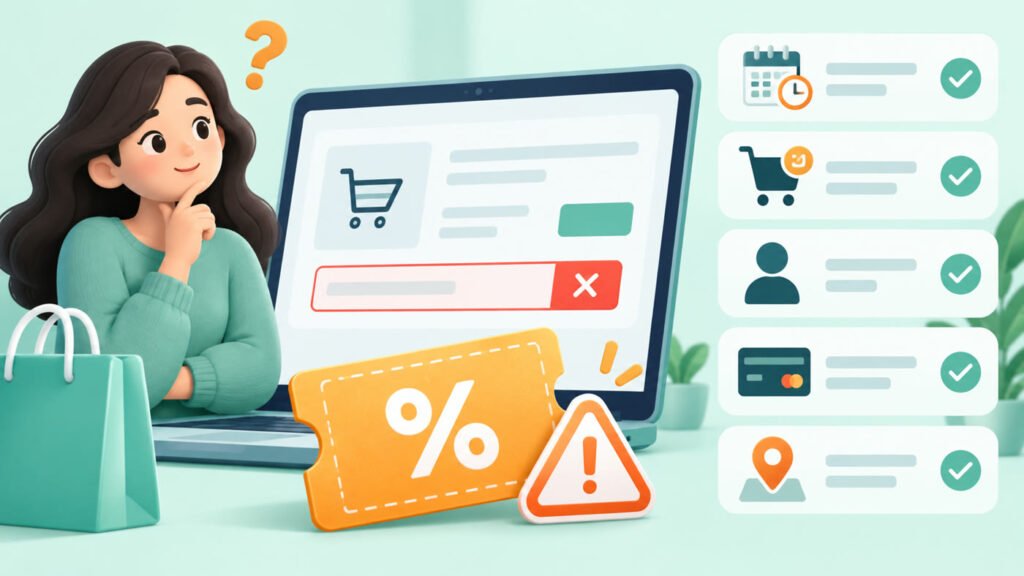
A new-user coupon is normally limited to customers or accounts that meet a merchant’s first-use definition, while an existing-user promotion is available to eligible returning customers. The exact definition varies, so a newly installed app or a different device does not automatically make someone a new user.
New-user vs existing-user coupons: the key difference
Retailers often connect new-user eligibility to an account with no qualifying completed order. They may also consider verified phone number, email address, payment details, device or household signals under their terms. Some promotions are limited to a first app order, first order in a category or first use of a service—not necessarily the customer’s first interaction with the entire company.
Read the exact wording. “New to the app”, “first order”, “new customer” and “first transaction with this payment method” can describe different conditions.
How account eligibility is checked
Eligibility can be determined when you sign in, open the offers panel, apply the code, choose an address or reach payment. A code displayed publicly may still be accepted only for selected accounts. The retailer’s checkout result is therefore more reliable than another shopper’s screenshot.
Keep your account details accurate. Creating duplicate accounts, rotating contact details or misrepresenting identity to obtain a first-order benefit may violate merchant terms and can lead to cancellation or account restrictions. Mega Sale Coupon does not encourage bypassing eligibility controls.
Phone, email, device and payment considerations
- Phone or email: a previously used contact detail may be linked to order history.
- Device or app: an app-only offer may require the official app, but reinstalling it does not reset account history.
- Payment method: a first-payment benefit can have separate eligibility from a merchant’s new-user coupon.
- Address or household: some terms may restrict repeated promotional use associated with the same delivery details.
These are common checks, not a claim that every merchant uses all of them.
First-order conditions
A first-order coupon may require a minimum eligible subtotal and exclude particular sellers, brands, services, gift cards, delivery charges or regulated products. It can also be app-only or restricted to a city. If the first attempt is cancelled or payment fails, do not assume the benefit will automatically return; check the merchant’s support information.
Selected-user promotions
Some offers are issued to selected accounts based on the merchant’s campaign rules. They may appear in an account, app notification, email or checkout. They are not necessarily new-user offers, and forwarding the code does not transfer eligibility.
Offers for existing users
Returning customers may receive broad sale pricing, category promotions, loyalty benefits, payment offers or personalised campaigns. Existing-user promotions can still require a minimum order, selected products, a city, app checkout or a specific payment method.
Instead of focusing only on a welcome coupon, compare the regular sale price, loyalty benefit, delivery fee, payment promotion and return conditions. The lower headline discount is not always the worse overall option.
App-only and channel-specific rules
An app-only coupon must normally be applied in the merchant’s official app while signed into the eligible account. A website-only offer may not transfer to the app. Mobile web and app checkouts can be treated as separate channels. Confirm the channel before building the cart.
Merchant examples to understand the terms
Fashion and beauty retailers commonly use first-order or app-focused campaigns, but the details can change. Review the current checkout and the relevant guides for Myntra, AJIO, Nykaa and Meesho.
Food-delivery eligibility can also depend on account, restaurant, city, cart and delivery location. The Swiggy and Zomato guides explain what to review without asserting that a specific welcome offer is currently active.
A safe eligibility checklist
- Read how the merchant defines “new”, “first” or “selected”.
- Sign into the account that legitimately received the offer.
- Check the channel, location, products and minimum subtotal.
- Confirm payment-method requirements.
- Apply the code and review the final total.
- Do not create duplicate accounts to evade restrictions.
If the checkout rejects a code, use the troubleshooting steps in Why Coupon Codes Don’t Work. You can also browse Fashion & Footwear or Food Delivery & Dining for relevant merchant guides.
Review our verification policy. To report changed eligibility information, use the contact page.