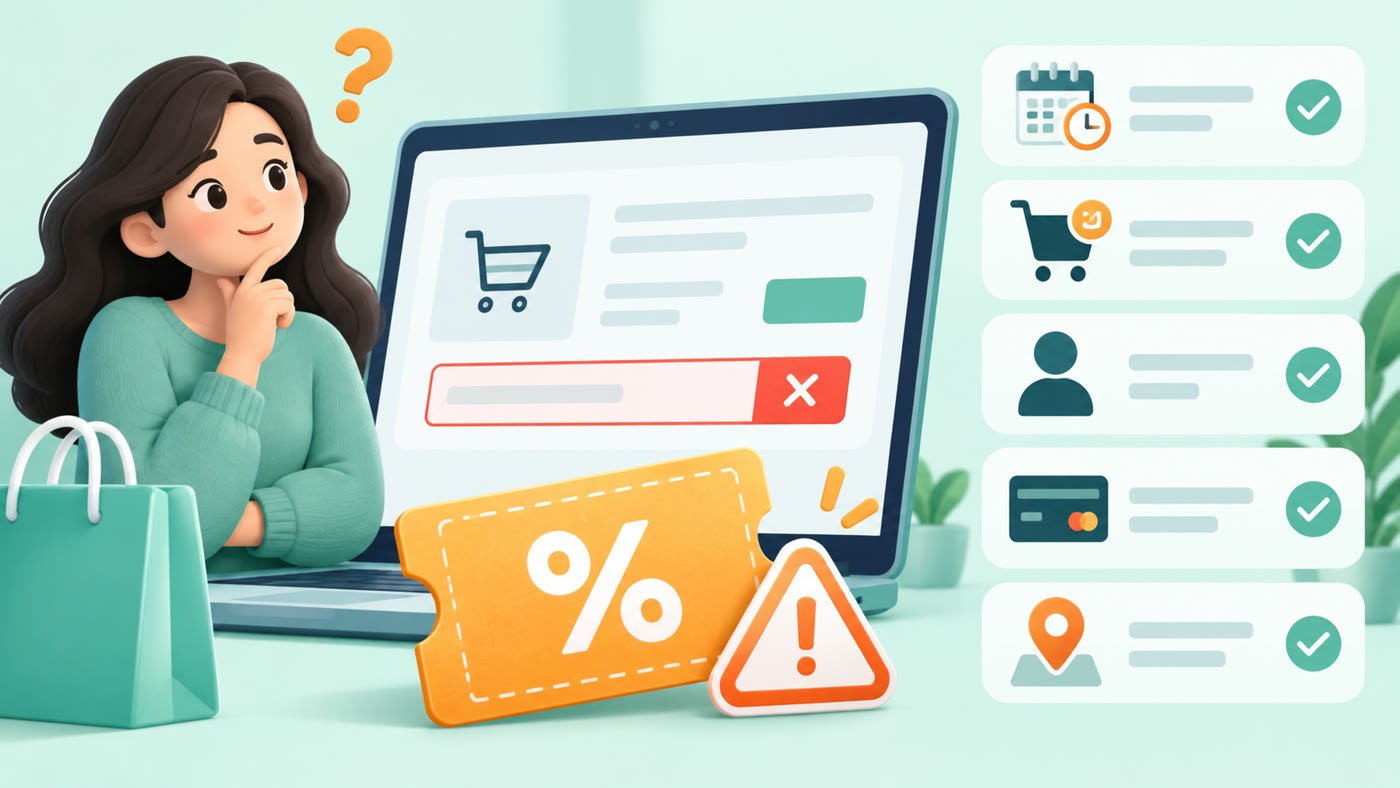
Why coupon codes don’t work often comes down to one or more unmet conditions—not necessarily an invalid code. Check the validity period, eligible subtotal, products, account, device, location, payment method and other active promotions before trying again.
Why coupon codes don’t work: 12 common reasons
1. The validity period has ended
Some promotions end at a stated date or time, while others can be withdrawn or exhausted under their published terms. Check the retailer’s current offer page or checkout message instead of relying on an old screenshot or social post.
2. The cart does not meet the minimum order
The threshold may be calculated from the eligible merchandise subtotal rather than the total shown before discounts. Delivery charges, taxes, gift cards or excluded products may not count. If removing an item makes the code fail, recalculate the eligible subtotal.
3. A product, seller or category is excluded
Marketplace promotions can apply only to participating sellers, brands, categories, sizes, plans or product variants. Two visually similar items may have different eligibility. Open the product’s offer details and review each item in a mixed cart.
4. The code is for new users or first orders
“New user” can be defined by the retailer’s own account and order history. A new device or a reinstalled app does not necessarily make an account eligible. Read our guide to new-user and existing-user coupons before relying on a welcome promotion.
5. Eligibility is account-specific
Some offers are shown only to selected accounts or audience groups. A code received by another customer may therefore be rejected on your account even when the products match. Use the account to which the offer was legitimately issued and do not try to bypass the merchant’s rules.
6. It works only in the app or on the website
App-only and web-only promotions are common. Confirm that you are using the required channel, that the app is current, and that you are signed into the eligible account. A mobile browser is not always treated as the merchant’s app.
7. A payment method is required
A promotion may require a particular bank, card type, wallet, UPI option or EMI plan. The discount may appear only after that method is selected. Check issuer, network, minimum spend, card variant and EMI conditions; a similarly named method may not qualify.
8. The promotion is restricted by location
Delivery availability and local promotions can vary by city, postcode, restaurant, outlet or service area. Food-delivery offers in particular may depend on the selected outlet and delivery address. Travel promotions may depend on route, dates, fare type or property.
9. The code has already been used
One-time or limited-use coupons can fail after an earlier completed or attempted order. Review the usage limit and your order history. If an order was cancelled, the code may not be restored automatically.
10. Another promotion is incompatible
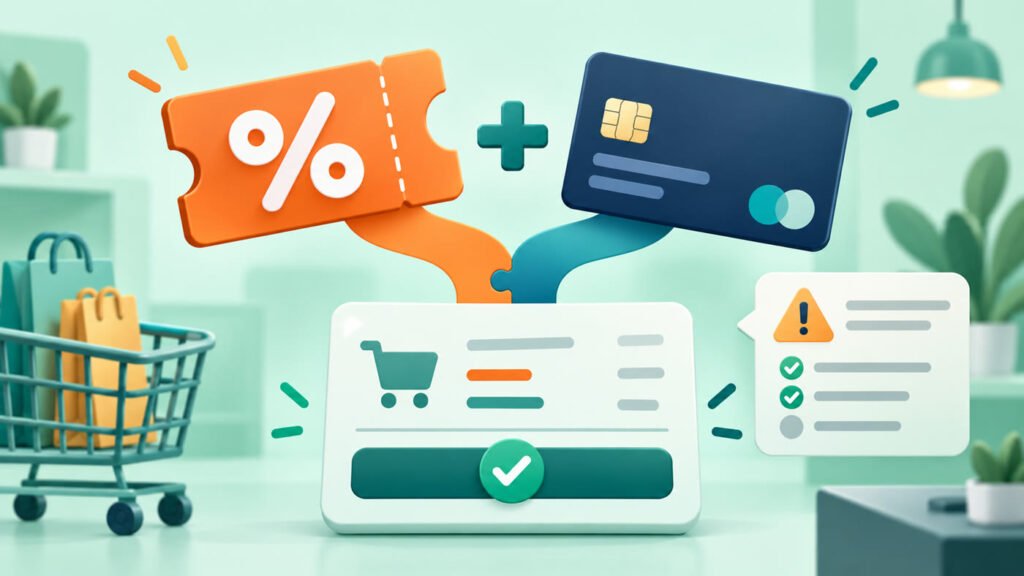
Many checkouts allow only one coupon, and an automatic deal can replace or block a manual code. Remove the competing promotion only after comparing the two final totals. A larger-looking headline does not always create the lower payable amount.
11. The cart changed after the code was applied
Changing quantity, seller, variant, address, delivery option or payment method can remove eligibility. Reapply the code after the final cart is assembled and review the total again.
12. The code was copied incorrectly
Check similar characters, punctuation and extra spaces. Copying is usually safer than manual entry. Be sure the text belongs in the coupon field rather than a gift-card or referral field.
A quick troubleshooting order
- Copy the code again without spaces.
- Confirm its stated validity period.
- Check the eligible subtotal and every cart item.
- Confirm account and first-order eligibility.
- Use the required app or website.
- Select the required payment method.
- Remove incompatible promotions and compare totals.
- Reapply after any cart change.
The step-by-step article on using coupon codes online explains how to verify the final payable amount before ordering.
How to verify the terms
Start with the retailer’s checkout message and full promotion terms. The FTC online shopping guide also recommends reading the full terms of a deal and comparing the total cost, including fees. Note the eligible products, minimum spend, user type, channel, payment method, location, validity period and usage limit. Our Coupon Verification Policy explains how Mega Sale Coupon handles offer status without promising that every visitor will qualify.
Merchant-specific guides can also help you understand the type of restriction to look for. For example, the AJIO guide covers fashion eligibility and exclusions, while the Swiggy guide explains restaurant, city and delivery conditions. These are practical examples, not claims that a particular offer is currently live.
When to report a problem
If a Mega Sale Coupon page contains an outdated or unclear statement, use the contact page and include the page URL, merchant and the condition that appears to have changed. Do not send payment details, passwords or full card information.
Read our affiliate disclosure and corrections policy.