US shopping guide · how to use an ELEGOO coupon
To use an ELEGOO coupon, start with the retailer's United States storefront and the exact product listing you want. Check model name and version carefully; Mercury Plus V3.0 is a wash-and-cure station, while ELEGOO also sells resin and filament printers. A code written for one product should not be assumed to apply to all equipment or every regional store.
Disclosure: We may earn a commission if you purchase after using a retailer link on this page. The retailer sets the final price and terms.
A little saving surprise
ELEGOO coupon
Peel the card to reveal the current code.
Displayed in uppercase. Copy keeps the retailer’s original casing.
Visit store ↗Open ELEGOO store page
We may earn a commission if you purchase after using the retailer link. The store sets the final price, eligibility and terms.
Read the full ELEGOO store guide →
how to use an ELEGOO coupon: Begin with the right US storefront
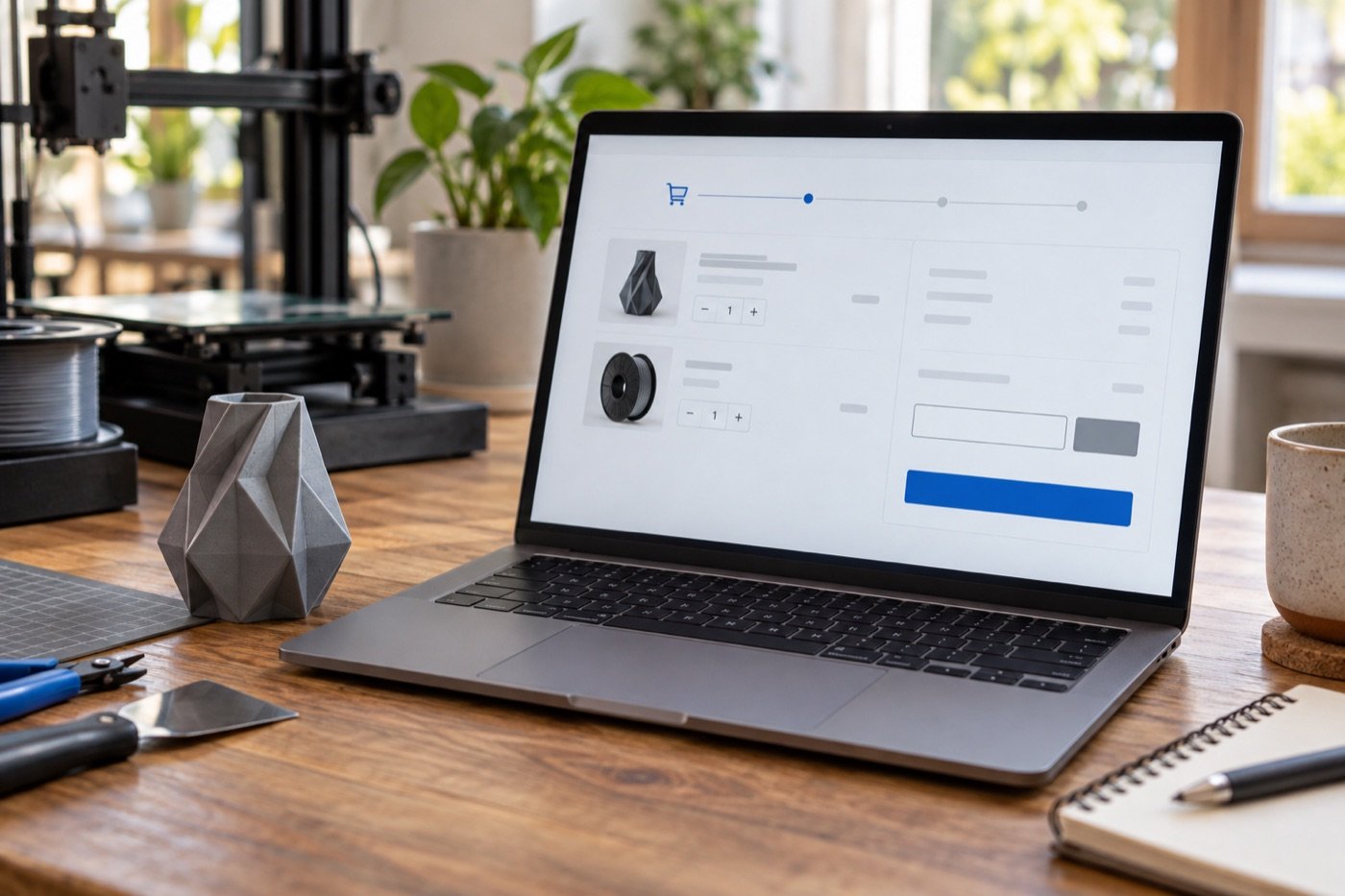
Add only the items you actually intend to buy. Review color, specification, quantity and shipping address before testing an offer. If you are comparing a bundle with separate items, keep the carts comparable so the discount does not hide a difference in contents.
Read the current offer conditions
Our ELEGOO store page is the single place where we maintain the current code and the owner-supplied conditions. Use it for the latest information, then confirm eligibility on the official checkout. A minimum order can be based on qualifying merchandise, not necessarily the final amount after tax or shipping. Inspect the current terms rather than assuming any large-looking cart qualifies.
Pay special attention to the specified model. The advertised condition for our current offer requires a substantial minimum order; a single Mercury Plus V3.0 unit may not reach it. Do not add unrelated accessories merely to unlock a smaller discount unless you needed them anyway.
Troubleshoot a code that does not apply
Check spelling, region, product variant and cart subtotal. Look for exclusions on bundles, already discounted items or other promotions. Make sure the code was entered in the checkout field rather than a gift-card field. If it still fails, rely on the retailer's displayed result and support guidance rather than interpreting a code as guaranteed savings.
Compare the final total with and without the code if the checkout allows it. Shipping, tax and bundle pricing can change which option is cheaper. Save the order confirmation after purchase, including the actual discount shown.
Keep coupon and buying advice separate
This article explains a repeatable checkout method. The code itself stays on our ELEGOO store page so it can be updated without editing every guide. Before ordering, also read our Mercury Plus V3.0 buying guide to confirm that the equipment fits your resin printing workflow. A successful code should be the last check, not the first reason to buy.
Before you buy
- Confirm the exact product, variant, size or model in the US storefront.
- Read current delivery, return and promotion terms at the retailer.
- Compare the final total after tax and shipping with your original budget.
For current coupon details, visit our ELEGOO store page. The code is maintained there so this guide can remain useful when promotions change.
Continue reading
- ELEGOO Resin vs Filament Printer: Choose the Right Workflow
- ELEGOO Mercury Plus V3.0 Buying Guide for US Resin Makers
- ELEGOO Resin Printing Setup Cost: A Practical US Budget
- ELEGOO Printer Bundle vs Separate Items: Compare the Real Cost
Source for brand-specific policies and specifications: official ELEGOO information. Check the live retailer page before ordering. Last editorial review: September 23, 2026.